How-to1 min read
How to make a short film from your own story
The Optiq Studio Team
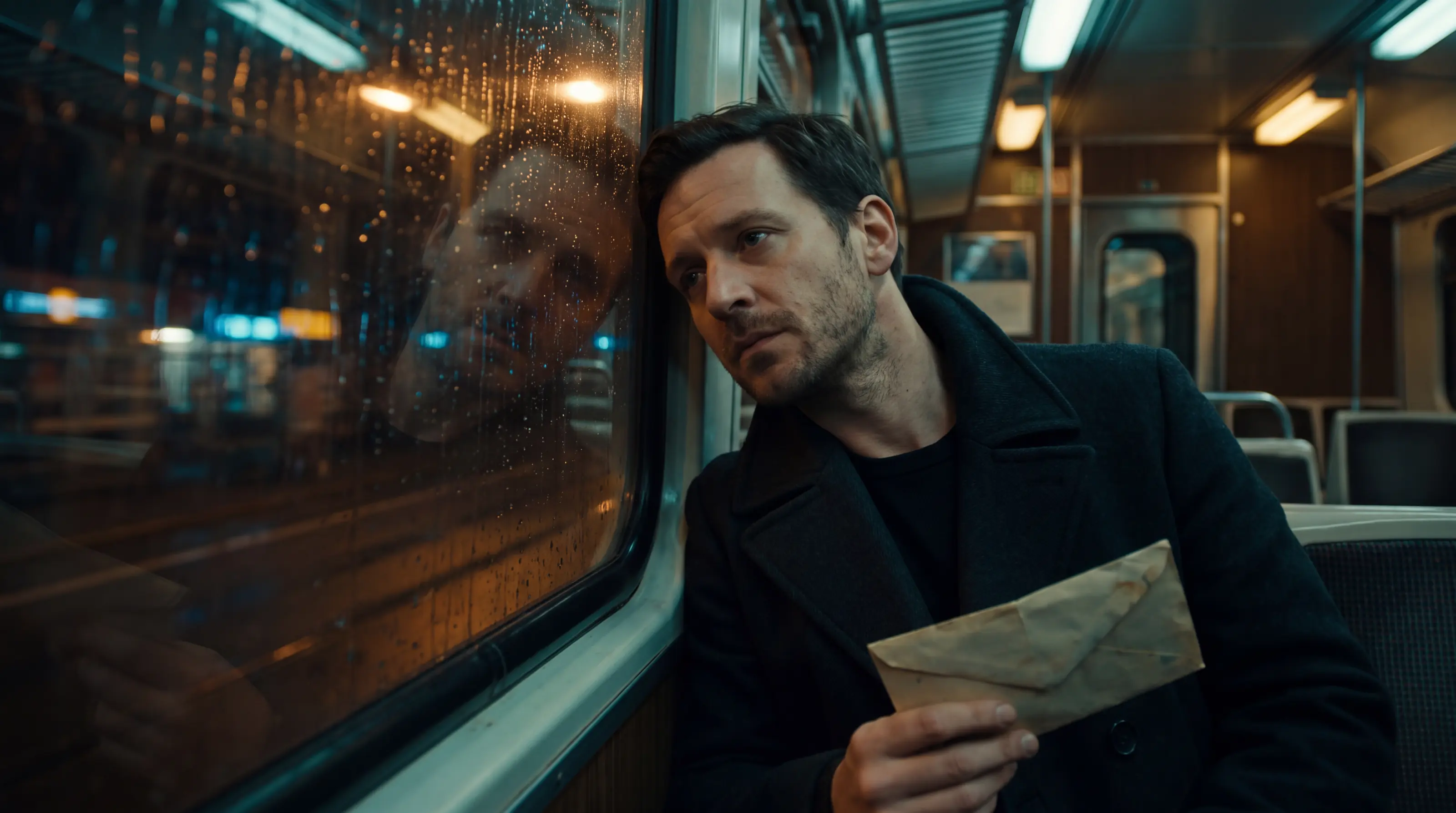
Every short film on Optiq Studio starts at the story. If you have one of your own, it is the shortest way to a film only you could have made.
- Open Make a short film. The first screen is the story.
- Choose Custom story, then tell it: who it is about, what happens, how it ends. Type it, say it out loud, or paste links, such as a YouTube video or a page about it.
- Choose the language of the storyteller and anything said on camera.
- Choose the shape, portrait or landscape.
- Choose how long: from two minutes to fifteen, in ten-second scenes.
- Read the story Optiq Studio wrote from yours, scene by scene. Edit your words and it is written again.
- Continue and pay; the film is cast, filmed, voiced, scored and cut, and opens when it is ready.
No story of your own? Pick a story style and Optiq Studio writes one nobody has told.